TrustCloud
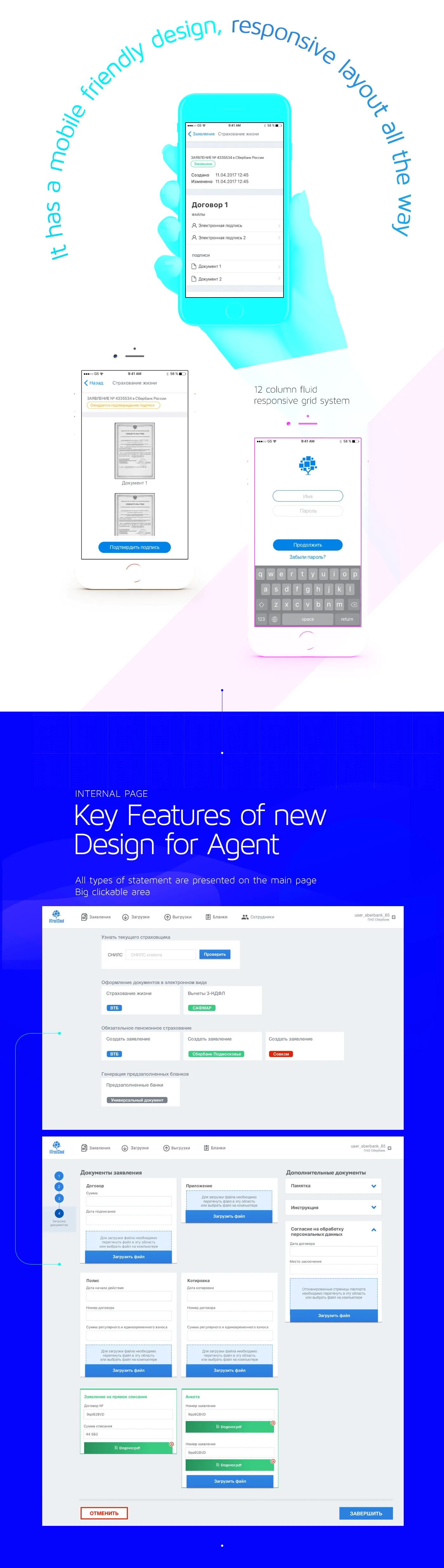
Our on-cloud solution brings IaaS, PaaS, DRaaS and SaaS services to banks, pension funds and other financial institutions in Russia: cloud, biometric data and electronic document interchange in one product family.
Careful research
I ran research to understand our customers’ preferences and needs, and to find what each segment values most, so the design could be tailored to it. Dividing customers into groups that share similar needs lets us shape the experience for each group and focus on what each kind of customer needs at any given moment. First came the user flows for the two main roles: Agent and Client.
One system for every form
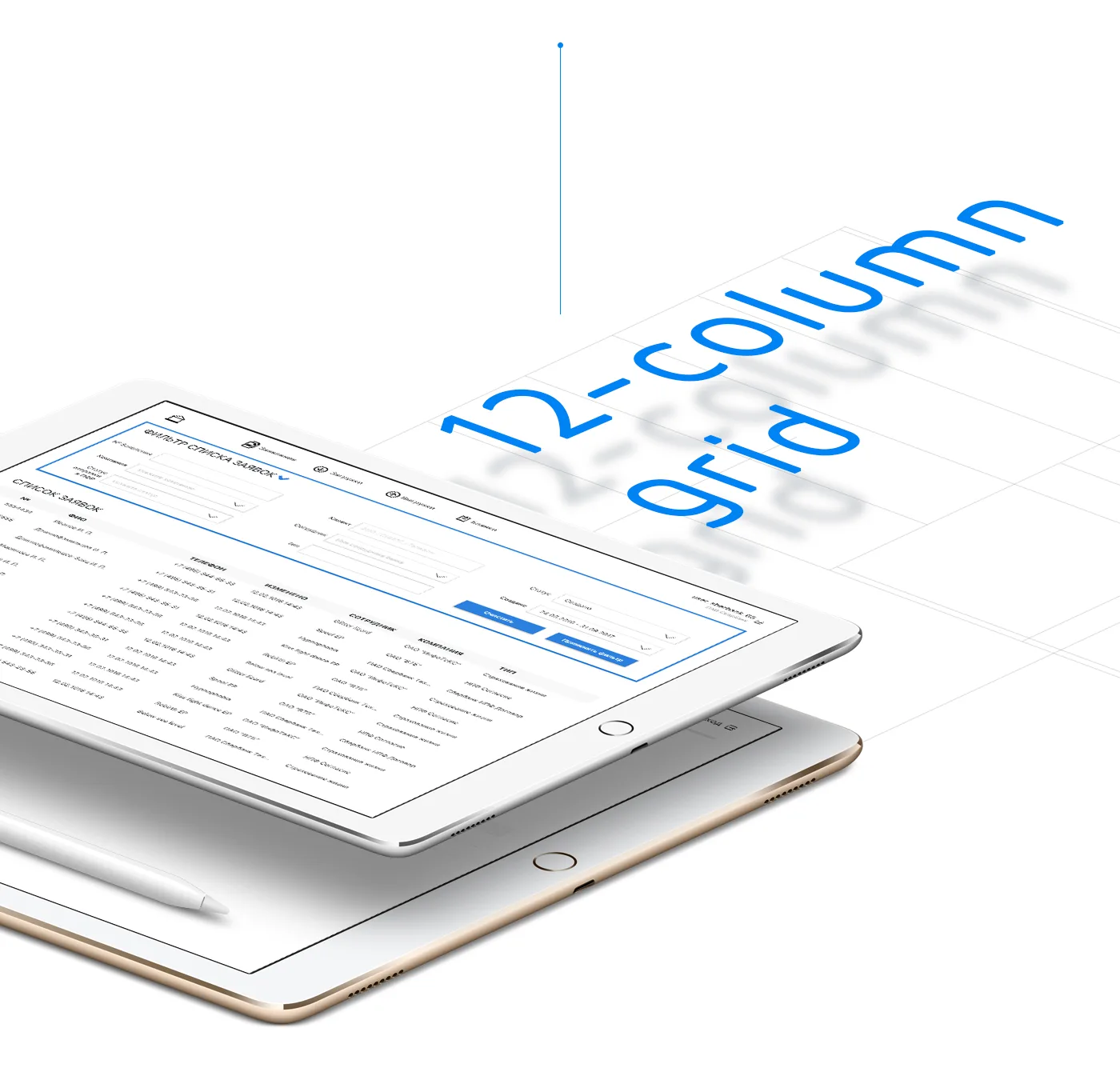
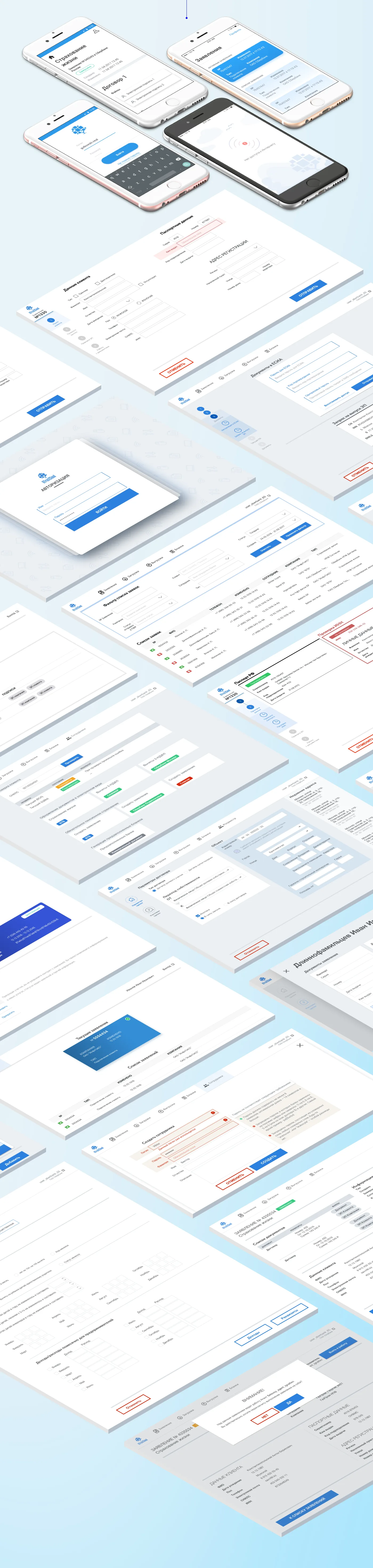
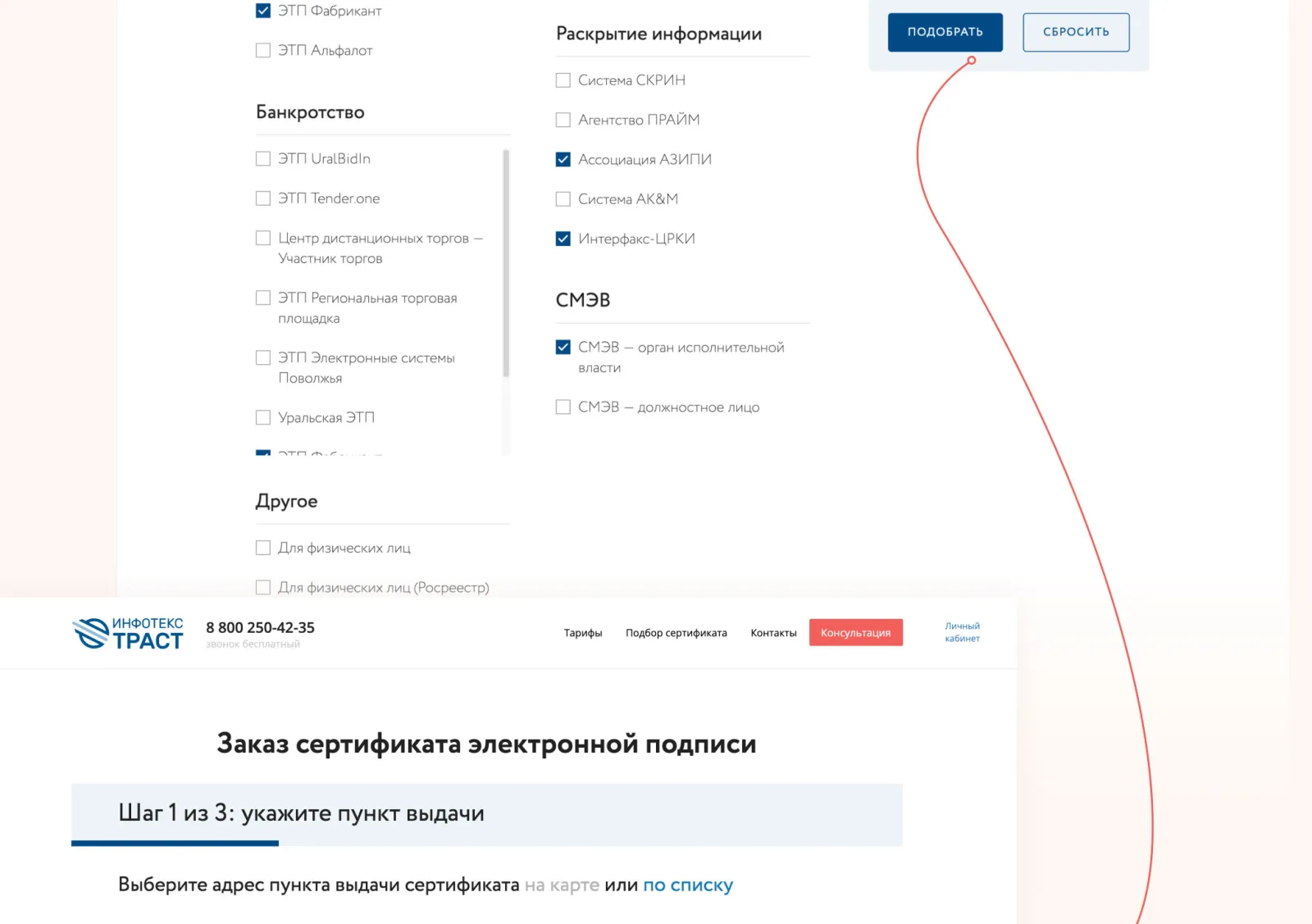
The Fluent-based design system lets us build any kind of form without the design degrading, so the product can scale as widely as we need. In Russia there is a special tax application, 3-NDFL: more than 100 text fields, checkboxes and controls, all connected to each other. We shipped it in our product with no compromises in UX or UI, and it works great.
Customer journey across services
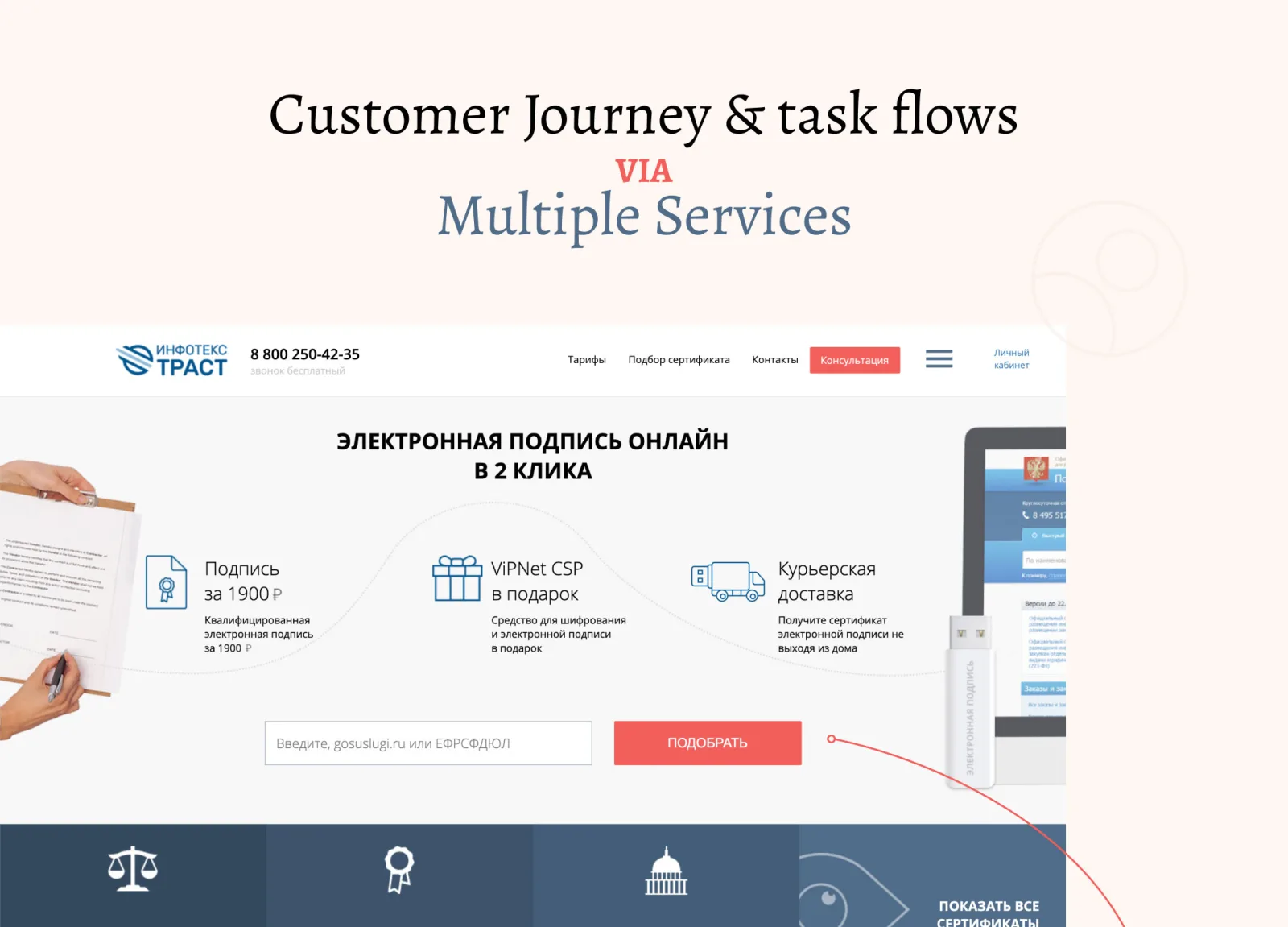
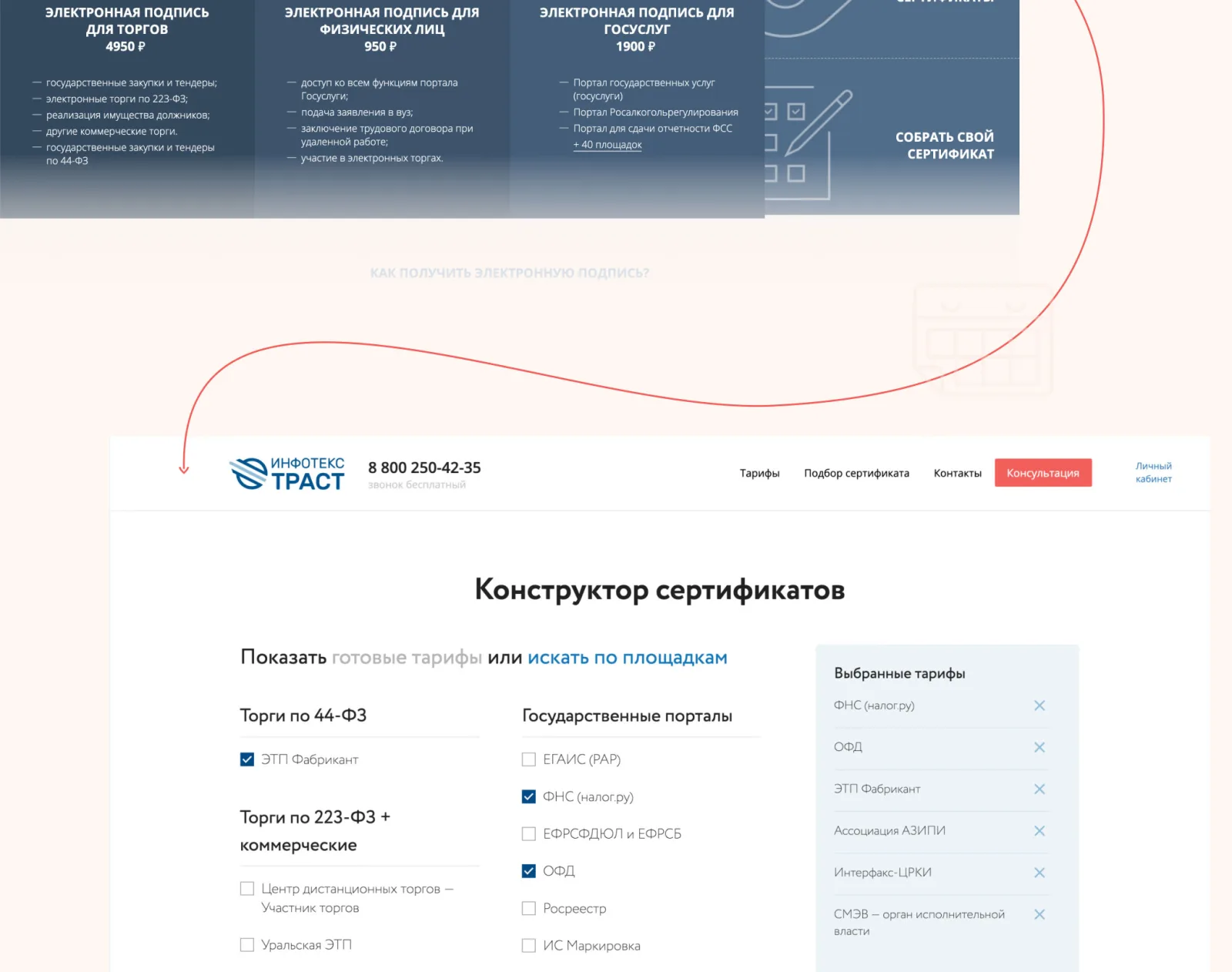
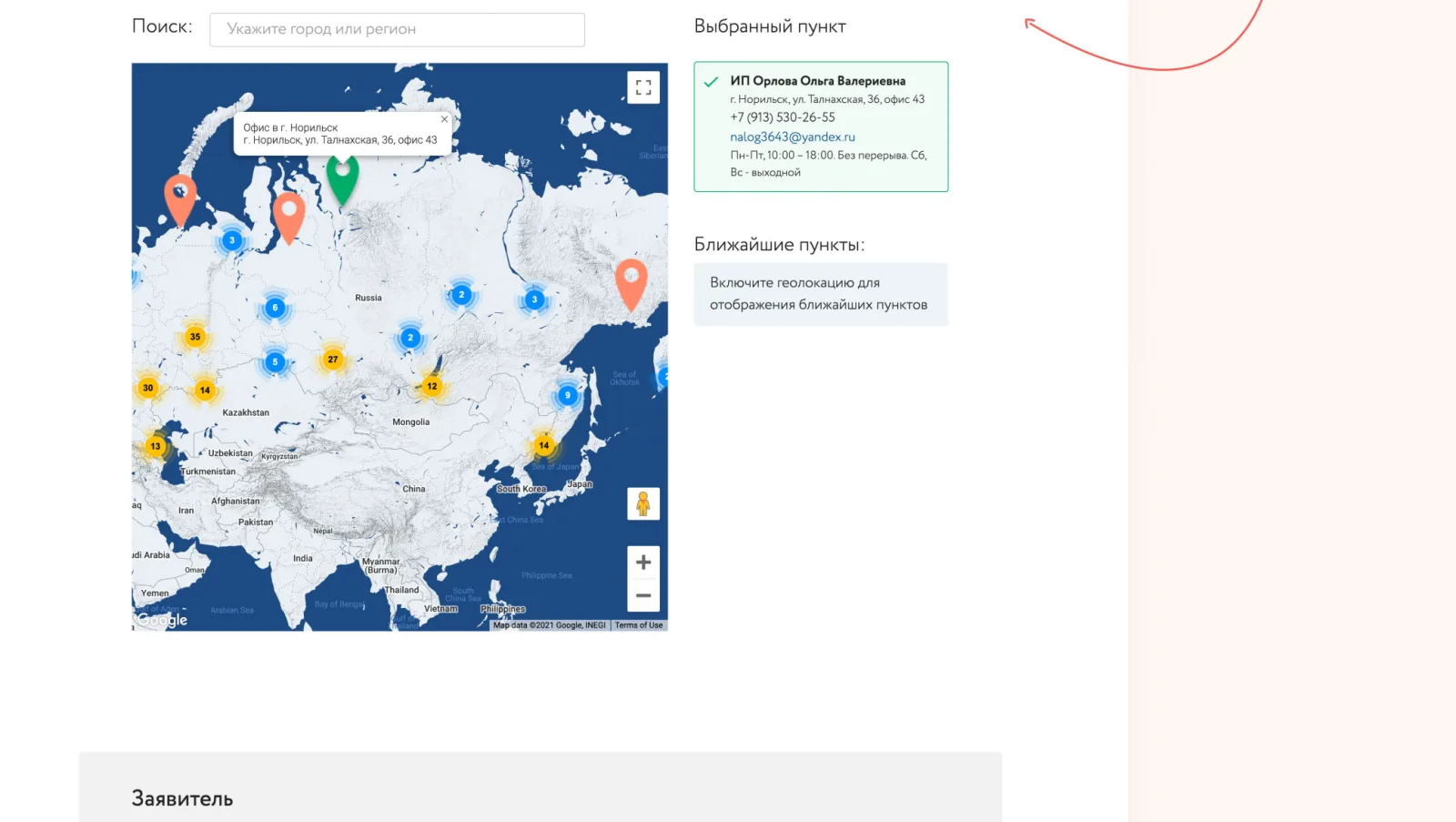
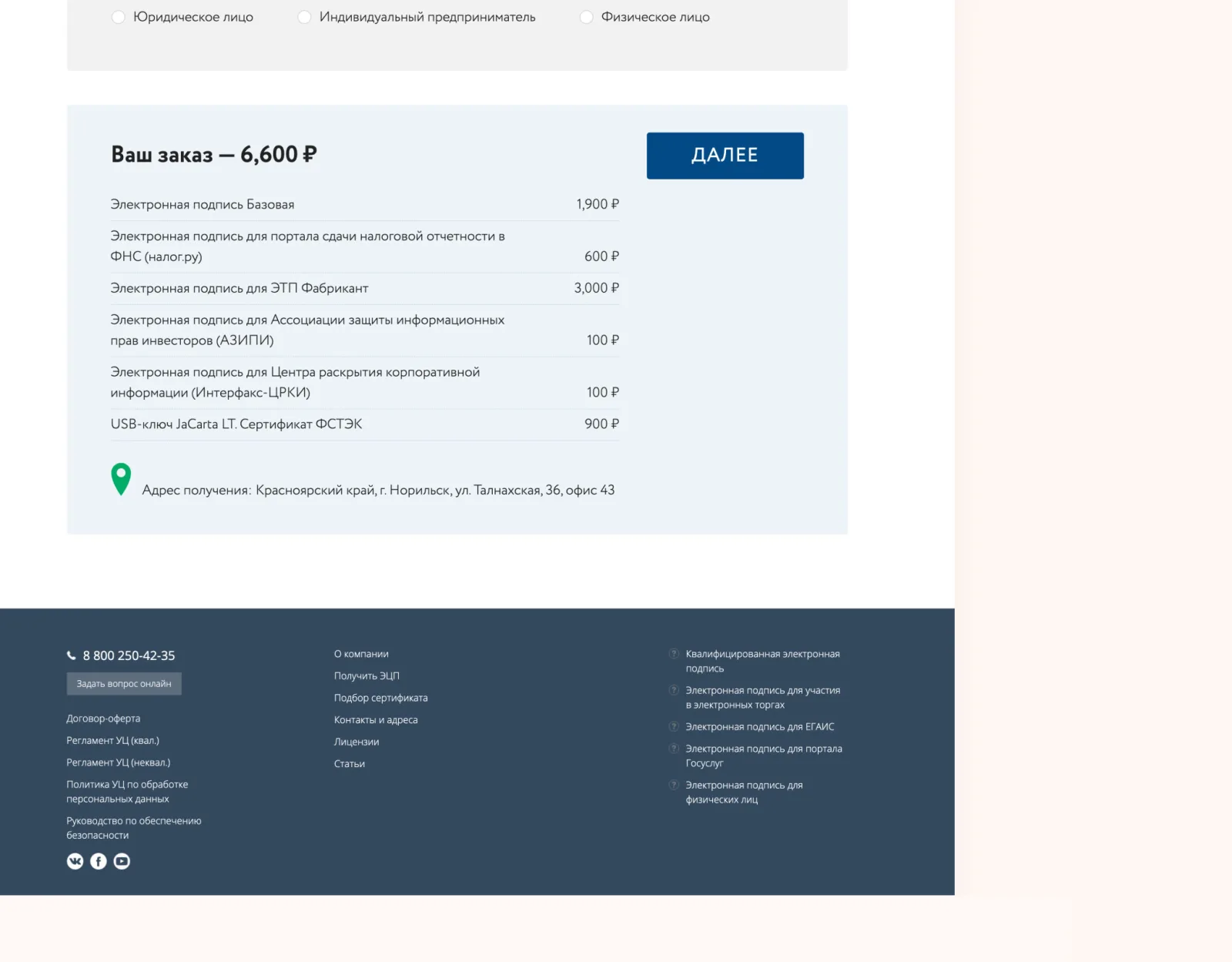
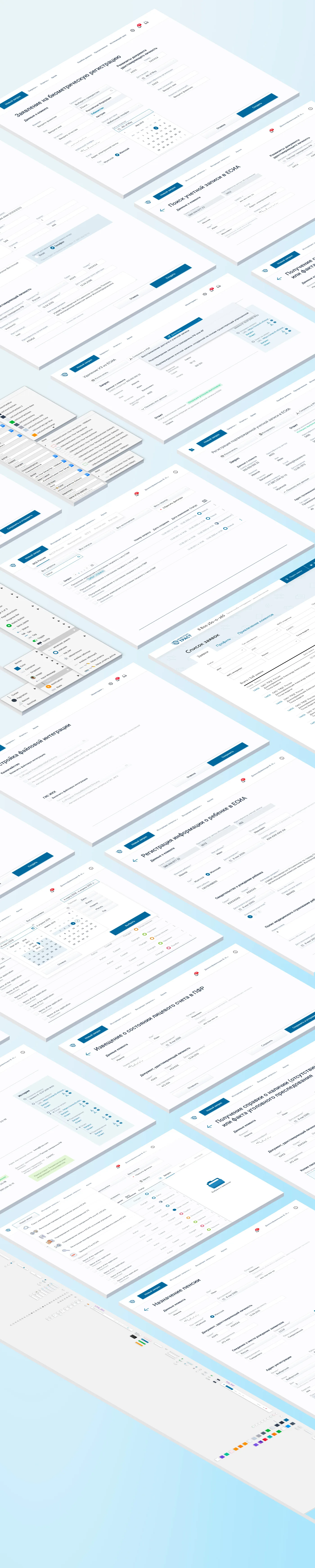
The same design style and system then spread to the other services in the family.
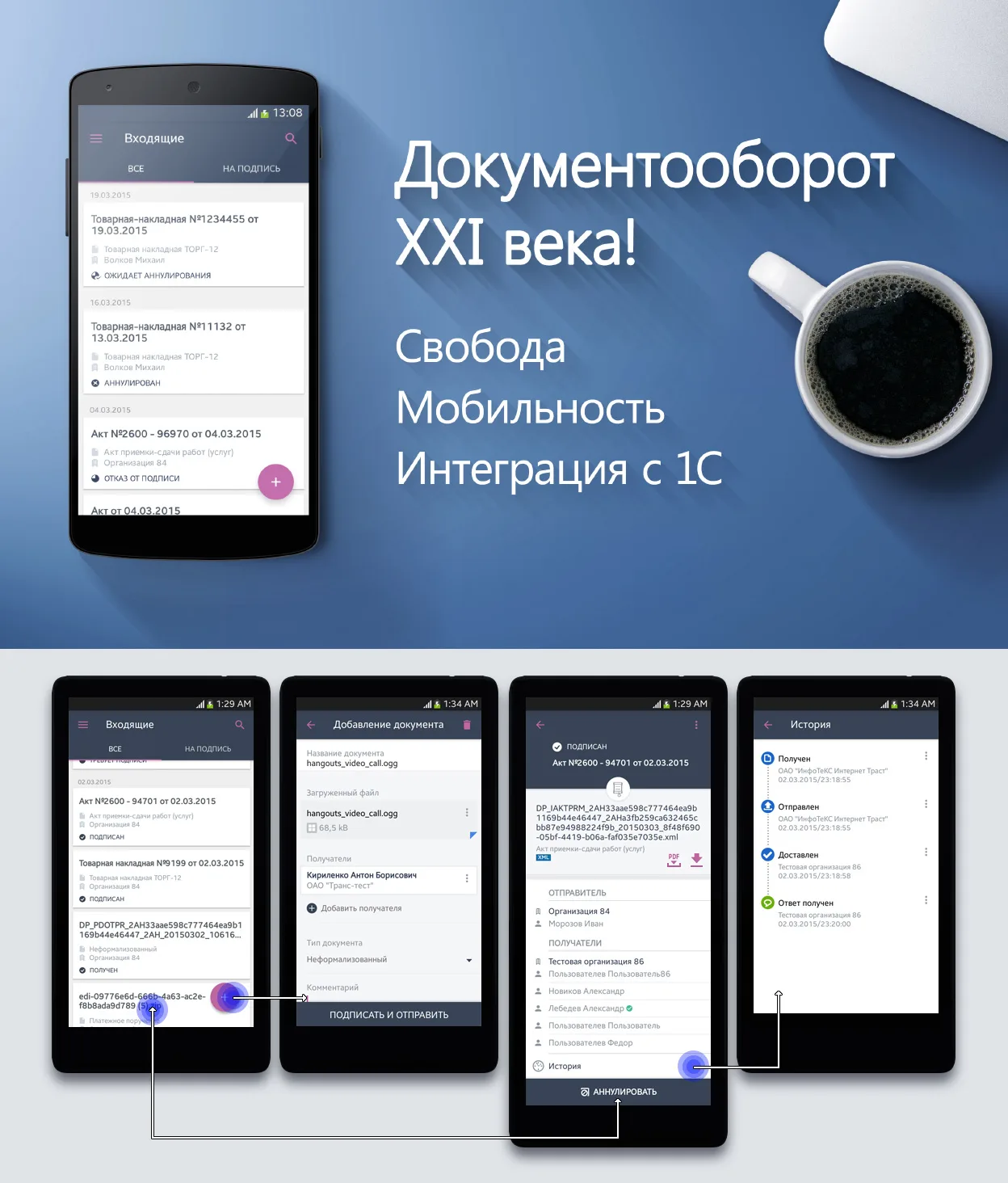
ViPNet EDO
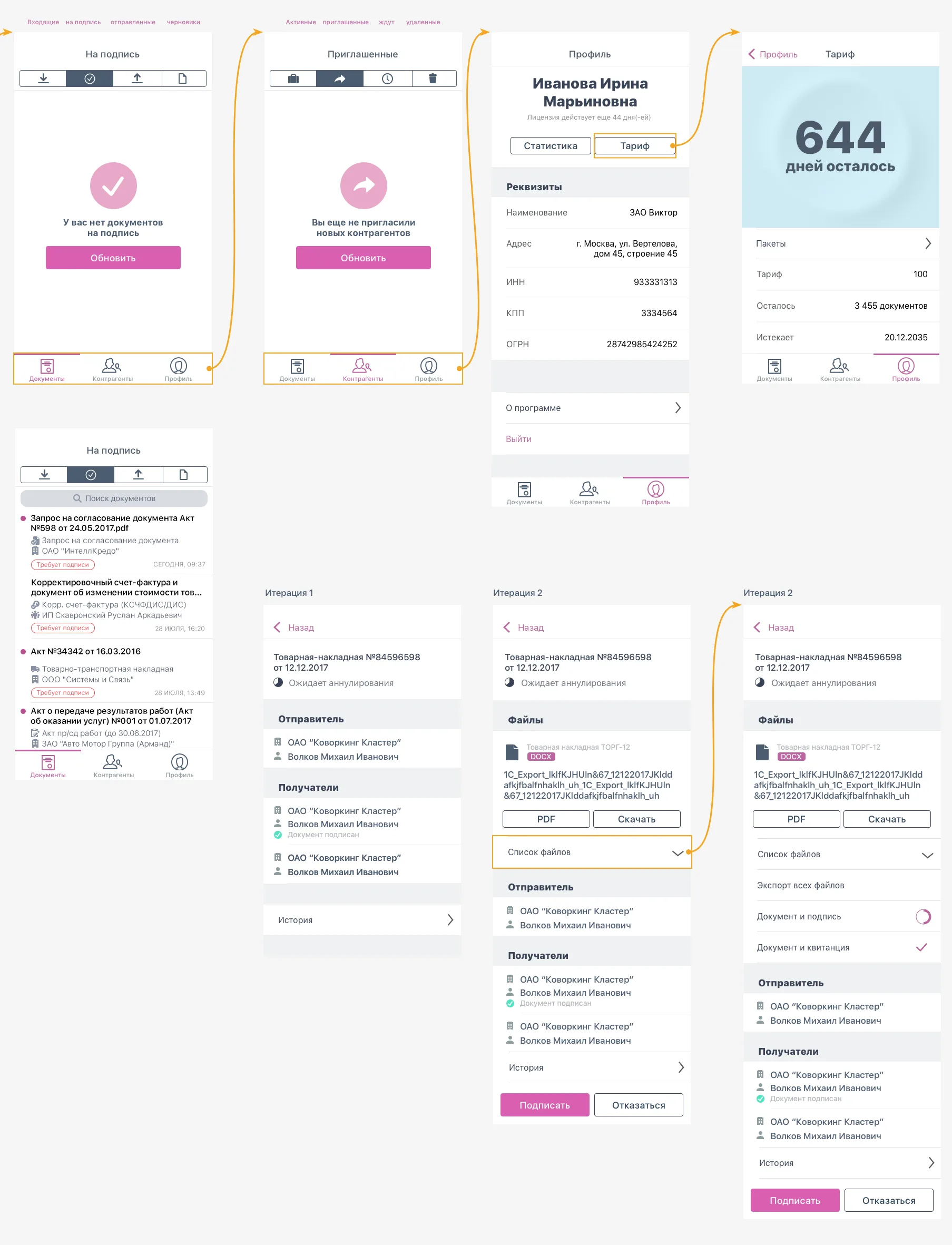
A document-flow system used by many banks, pension funds, oil companies and government organisations in Russia and Europe: legally binding, secure B2B exchange of operational data and business correspondence. Companies need automated, centralised and — importantly — controlled document flow that lets them draft, approve and store contracts quickly and without extra effort. We designed the mobile version, first for Android 4+, so people can work with documents faster and managers can make decisions on the go.
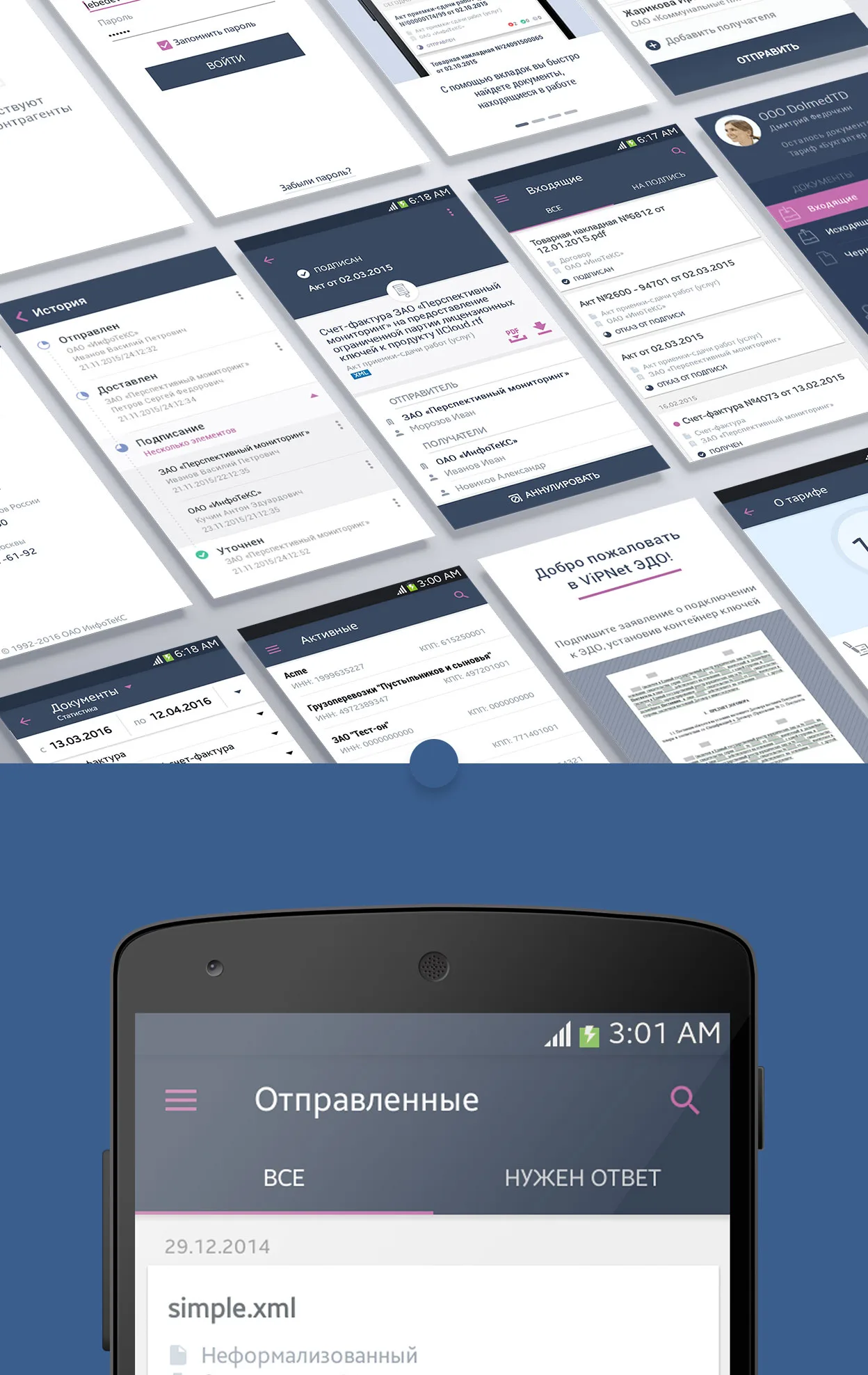
And iOS
I was Design Director on this project; some screens were made by my team, following my design style.
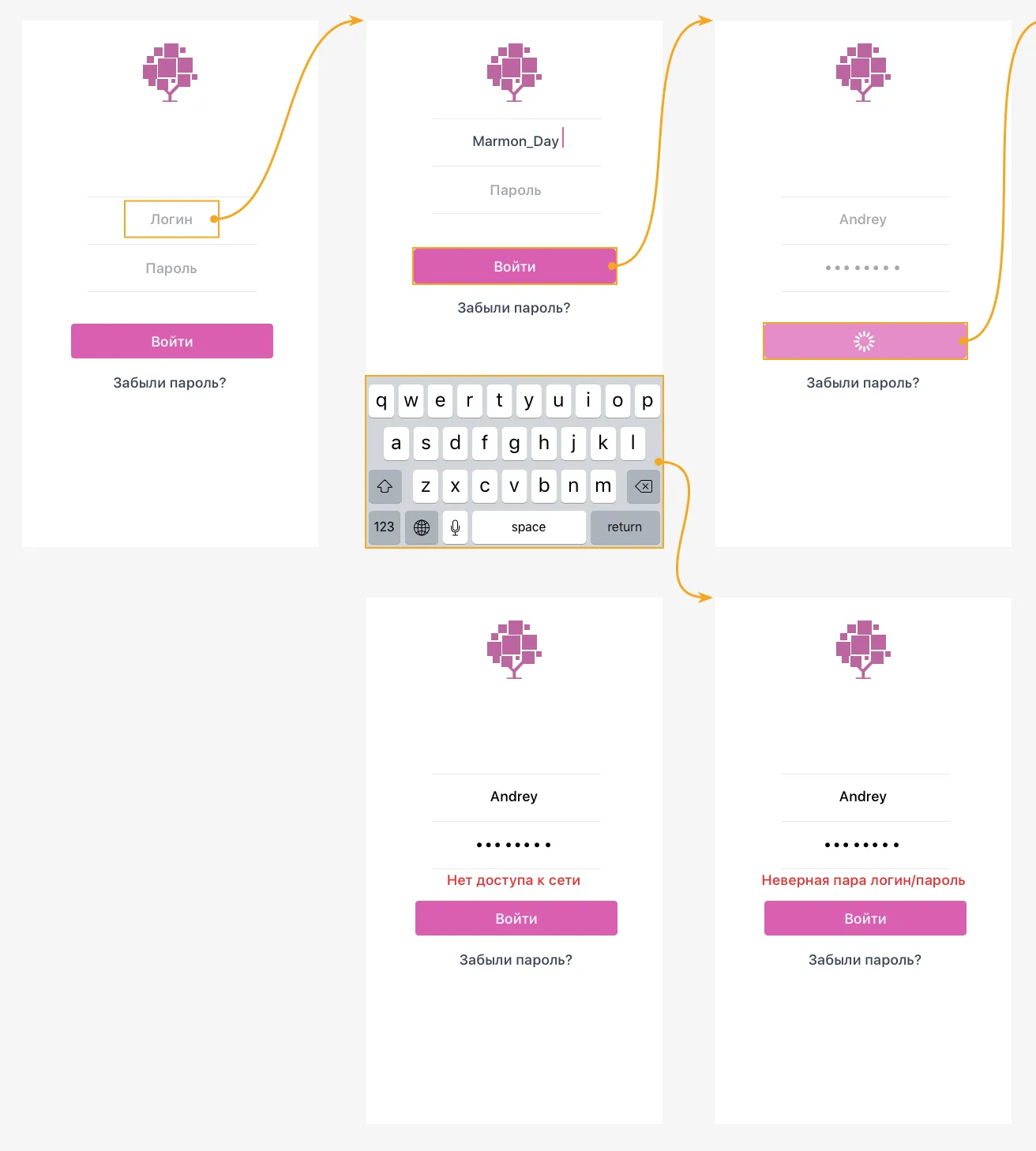
Micro-interactions, of course
A smooth animation carries the logotype from the app icon to the login screen, and the logo has a parallax effect that follows the tilt of the iPhone.
Animating between a segmented control and a search bar is a classic headache for designers. Here is a good answer to it.
We also made a satisfying animation for file downloads.
Flexible type
A fully flexible layout for every Dynamic Type size. The extreme sizes can look a little absurd on very large or very small devices — but they work.
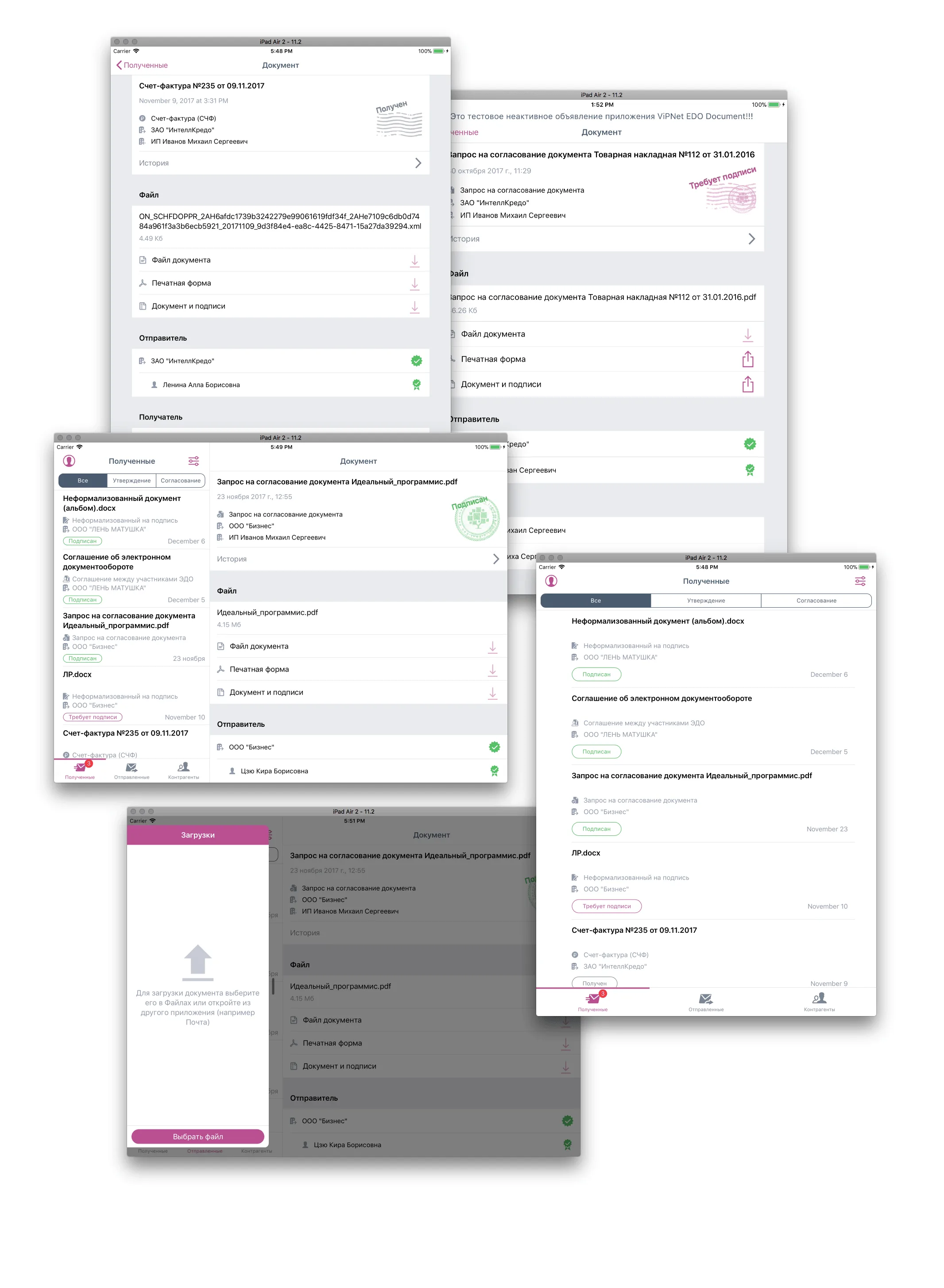
Split view on iPad
When an iPad or an iPhone Plus is in landscape, the split view divides the screen into two side-by-side panels in a master–detail model: the left panel lists items, and the right one shows the details of the selected item.